Fewer creative restrictions
Explore mature, unconventional, or visually intense concepts while remaining responsible for the content you create and upload.
Uncensored AI video generator
Create uncensored AI videos from your images with fewer creative restrictions, precise motion prompts, private storage, and simple prepaid credits.
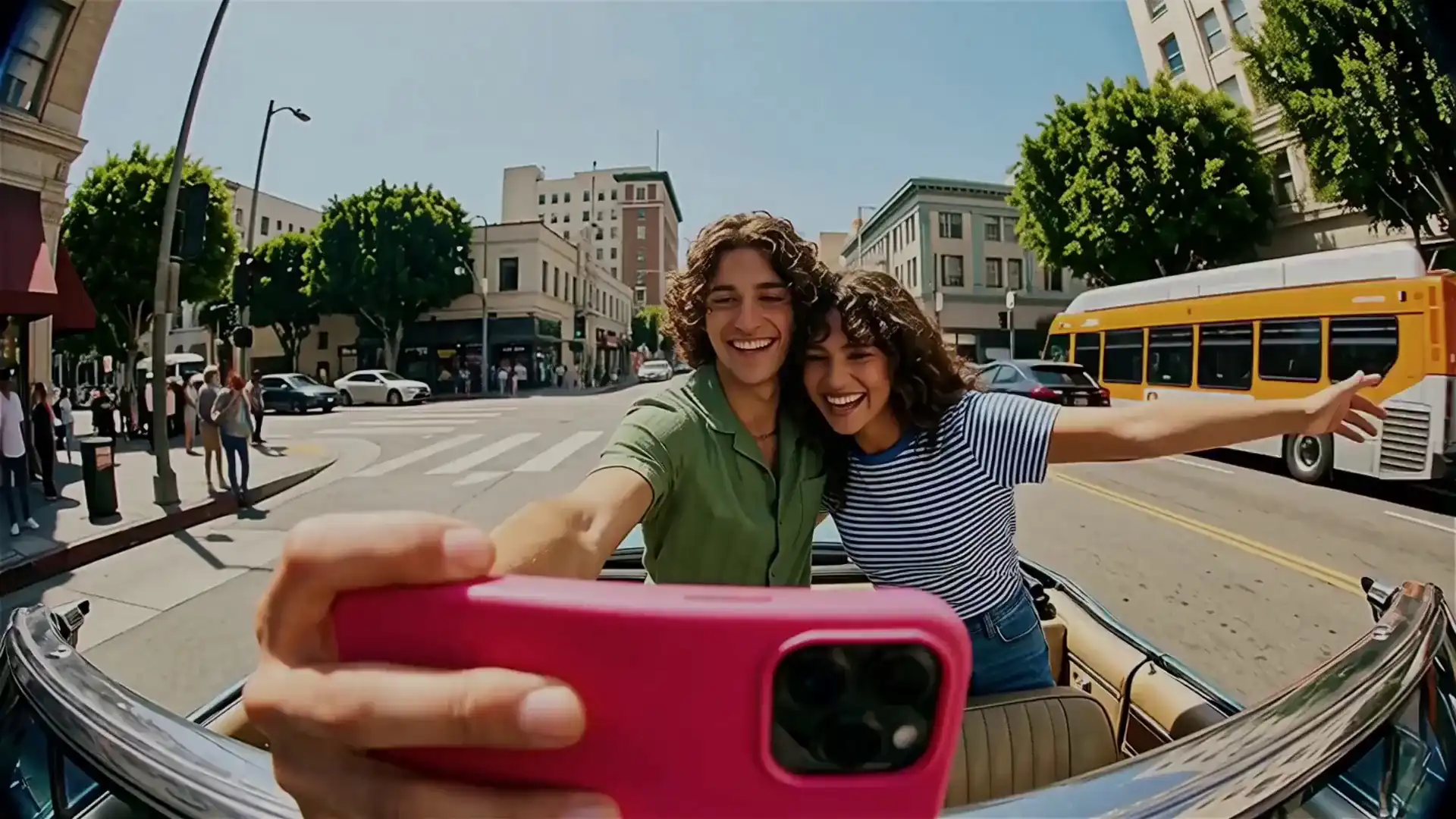
One image. Your direction. Cinematic motion.
Explore mature, unconventional, or visually intense concepts while remaining responsible for the content you create and upload.
Your inputs are not placed in a public prompt gallery, and only outputs you explicitly save remain in your private library.
Use prepaid generation credits with the cost shown before each render instead of committing to a recurring subscription.
How it works
Upload an image you have the right to use and make it the visual foundation for the clip.
Describe subject movement, camera behavior, timing, and atmosphere without exposing the prompt in a public feed.
Review the result privately and explicitly save the generations you want in your library.
FAQ
It means the studio is designed to allow a broader range of lawful creative directions than heavily restricted consumer tools. You must still follow applicable law, respect consent and intellectual property, and use the service responsibly.
No. Unbound Motion does not operate a public prompt or generation feed. Source images, prompts, and private provider paths are not exposed publicly.
No. Credits are prepaid, and the exact generation cost is shown in the studio before a render begins.
Yes. The current workflow is image-to-video: upload a starting frame, describe the motion you want, and generate a new clip from it.
Upload a frame, describe the movement, and create your next cinematic clip in a private studio.
Start creating