Direct motion with words
Describe what moves, how the camera behaves, and what the scene should feel like. Your prompt becomes the motion brief.
Image to video AI
Turn a still image into a cinematic AI video. Direct subject motion, camera movement, pace, and atmosphere in a private image-to-video studio.
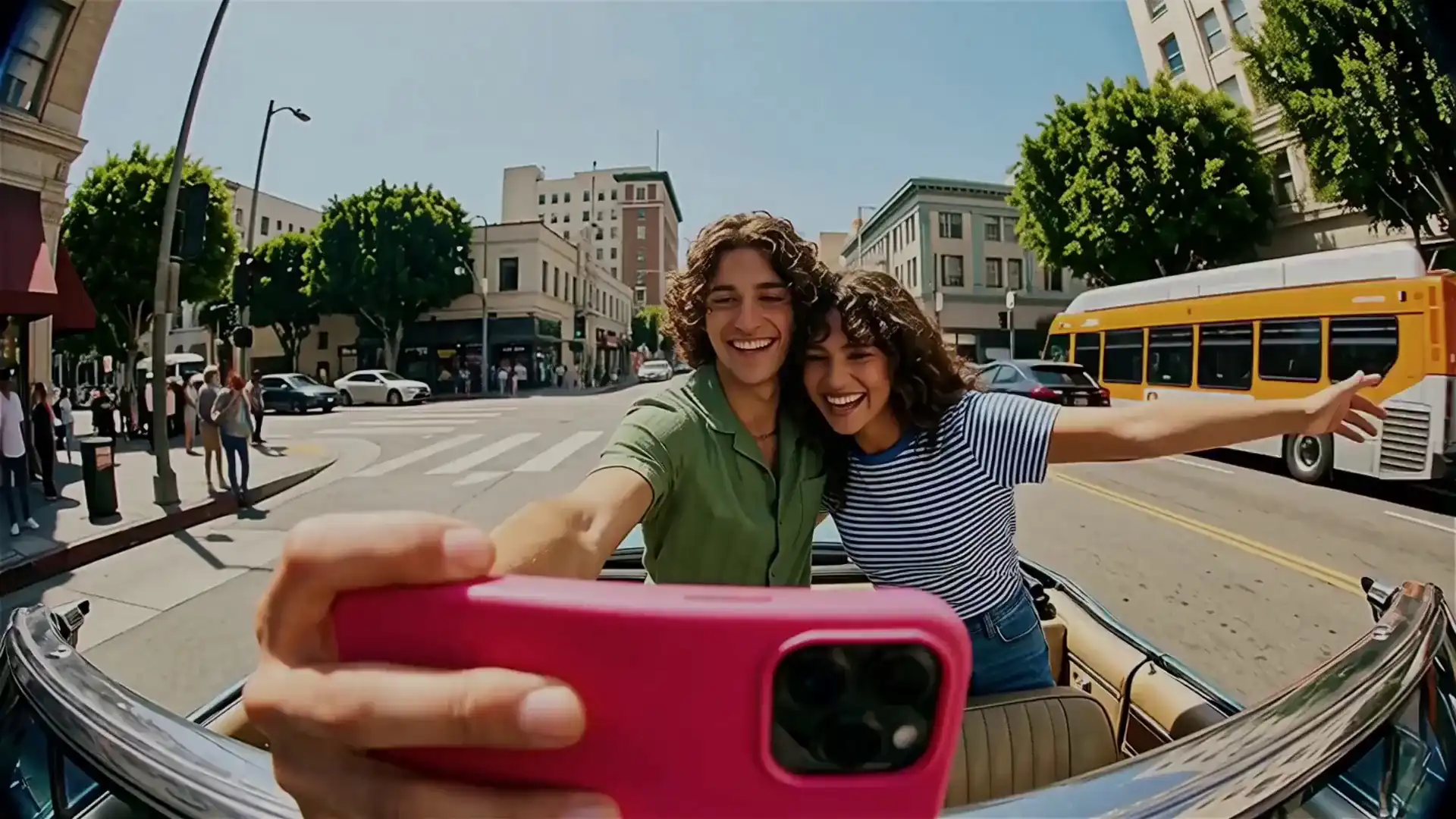
One image. Your direction. Cinematic motion.
Describe what moves, how the camera behaves, and what the scene should feel like. Your prompt becomes the motion brief.
Begin with the composition, subject, and visual identity already present in your image instead of building a scene from scratch.
Source images and saved generations stay inside your account rather than appearing in a public community feed.
How it works
Choose the frame that establishes your subject, composition, lighting, and visual style.
Direct the action, camera, pace, and atmosphere with a concise natural-language description.
Create the clip, review the motion, and try another direction when you want a different result.
FAQ
Image-to-video AI uses a still image as the first visual reference and generates new frames that add movement over time. The source image anchors the subject and composition while your prompt directs the motion.
Use a clear, high-quality image with a readable subject and composition. Images with enough room for the intended movement generally give the model more useful visual context.
Yes. Include camera direction such as a slow push-in, orbit, pan, or handheld movement in the prompt alongside the subject action and atmosphere.
Unbound Motion uses prepaid credits rather than a recurring subscription. The generation cost is shown before you start.
Upload a frame, describe the movement, and create your next cinematic clip in a private studio.
Start creating